
Original price was: $57.00.$39.90Current price is: $39.90.
- No-Questions-Asked Returns
- Experience Quality, Shop with Us
- 100% High-Quality Guarantee
- 100% Quality Promise

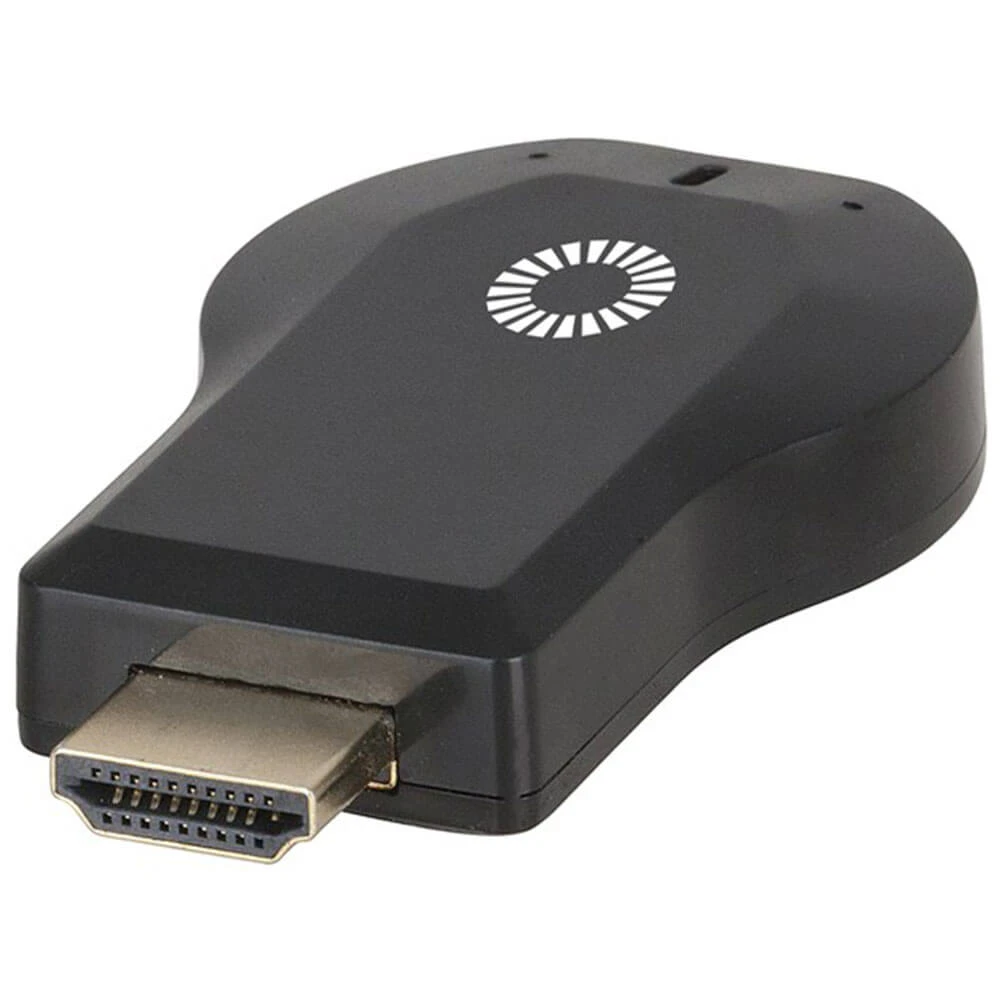
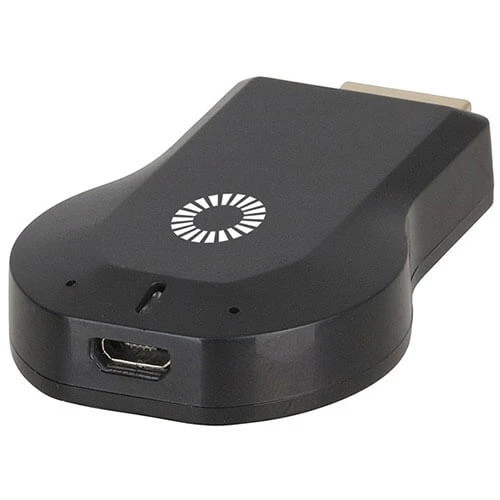
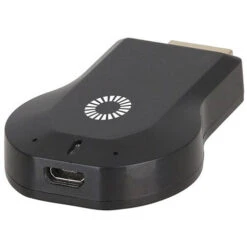
Plug the Anycast dongle into your TVs HDMI port and begin streaming content from your smartphone, tablet or PC to your TV. It features a self-explanatory screen mirroring function as well as DLNA and Airplay(R) for an almost universal ability to stream media from a compatible device. Through the casting functionality, play YouTube, videos, pictures and an innumerable number of other streaming services straight on your TV. A great solution for those without smart TVs.
Features:
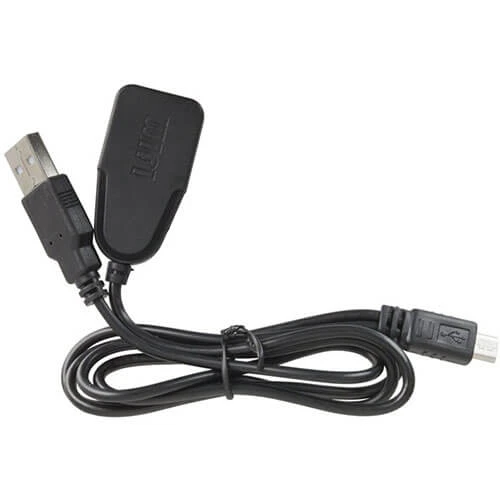
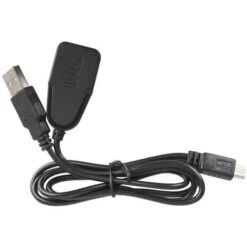
– Compatible with iOS(R), Android & Windows/Mac(R) – Free AllConnect or iMediashare app from iTunes(R) or Google Play – Stream or Mirror video and audio to any TV with HDMI – Powered via USB Micro-B port – Memory: 128MB DDR3 – Resolution: 1080p, 720p – Media Sharing: Miracast, DLNA, Airplay(R) & Airmirror(R) – Supported Operating System: Android 4.2+, iOS(R) 7.0 +, Windows, Mac OS(R) X
Quick setup steps:
1. Plug anycast to hdmi port and Connect smartphone to anycast wifi ssid 2. Login to Anycast through browser (http://192.168.203.1) 3. Set anycast to now connect to your routers Wi-Fi access point 4. Begin casting!
Note: Digital rights management (DRM) copyright protection prevents apps such as Netflix from being streamed through this device.
Be the first to review “HDMI Miracast V2.0 Wi-Fi Receiver Dongle”
Related products




INDOOR
OUTDOOR


INDOOR
Reviews
There are no reviews yet.